Define Template Placeholders
Templates include placeholders whose values you can define. After defining values, the placeholders are automatically resolved when you generate the template. For example, placeholder %ITCS_TimeZoneLocation% is replaced with local time. Placeholders can be defined per tenant, model, etc. The cfg file includes default values and overwritten values according to configured placeholders. If no placeholder is configured, the cfg file will include only default values.
|
1.
|
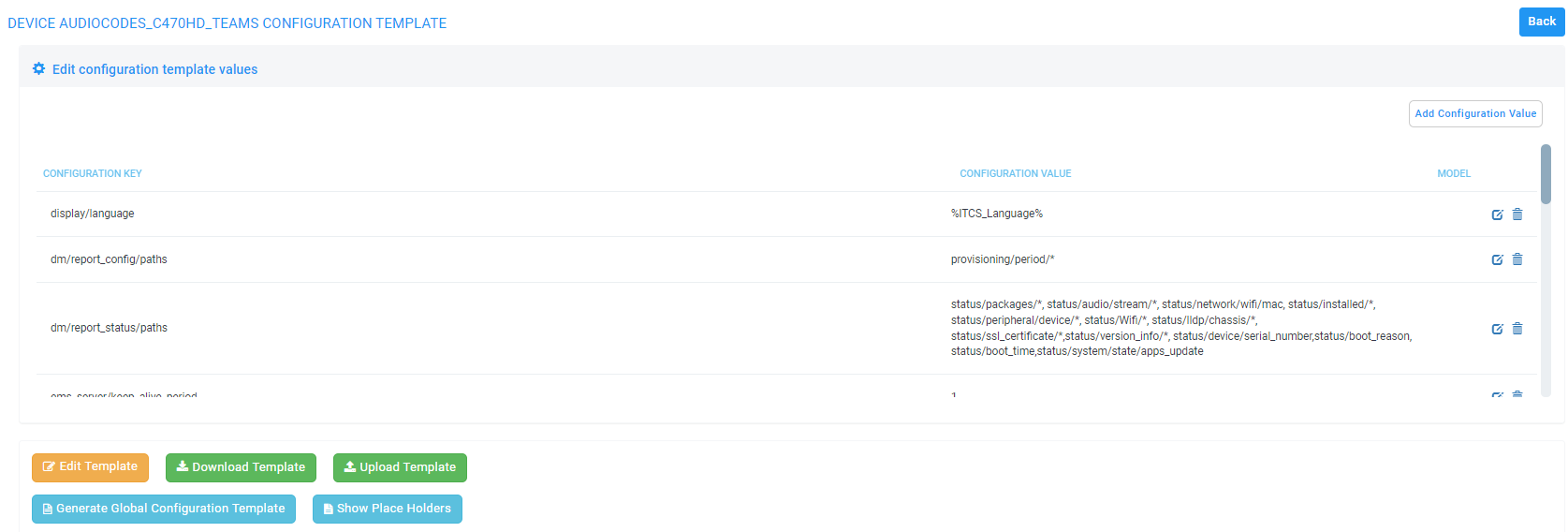
In the Device Configuration Templates page (Setup > Configuration > Templates), click the Edit button in the same row as the device model. |
|
2.
|
Click the Show Placeholders button. |
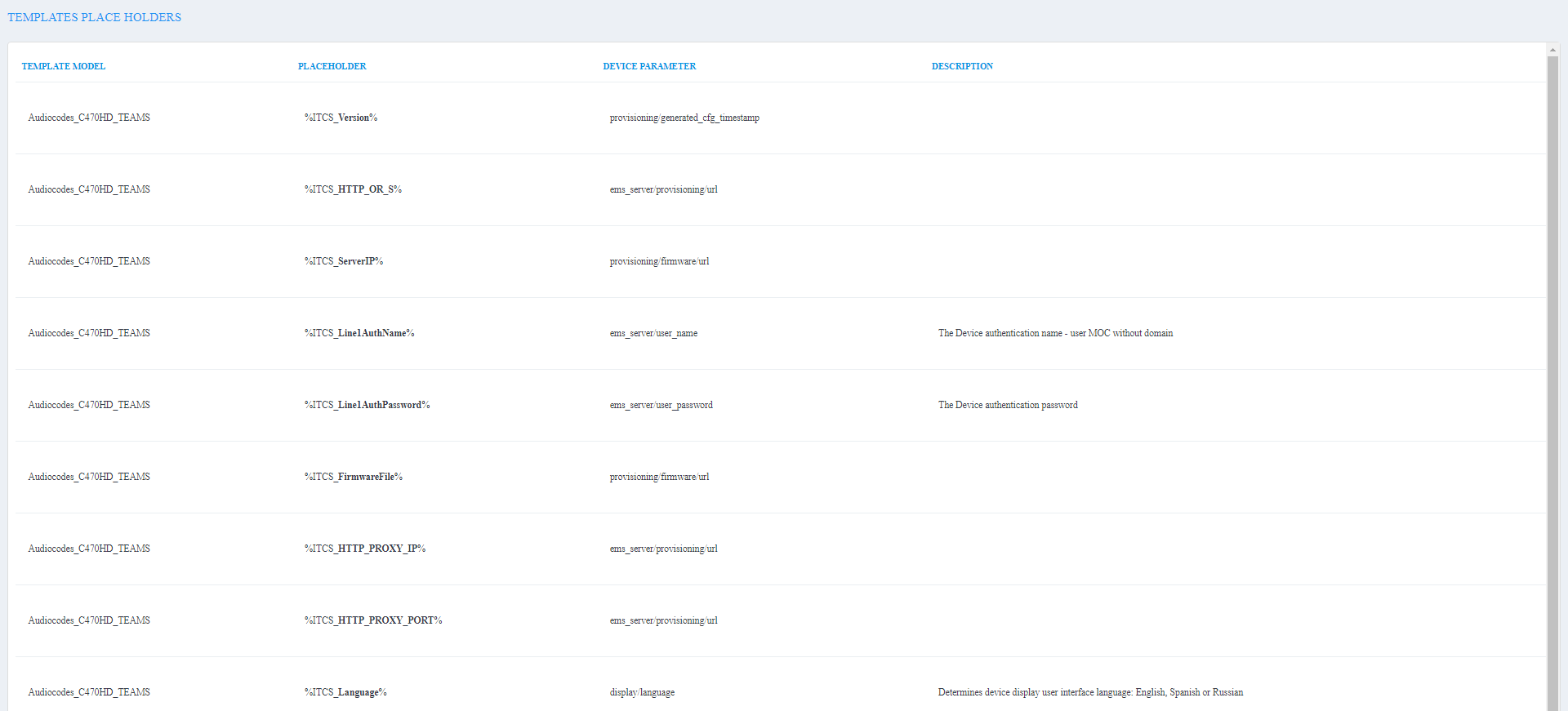
The figure above shows placeholders currently defined in the XML Configuration Template file for the C470HD Teams phone. There are four kinds of placeholders: (1) System (2) Template (3) Tenant (4) Devices.